
Vendor matching
Different names. The same ingredient.
We link vendor codes and shorthand to your catalog, then save those matches for future deliveries.
AVO 48CT Avocado, case of 48 Match saved
RESTAURANT INVOICE AUTOMATION
Send vendor invoices by photo, email, or PDF. Opsi’s team handles processing and review, connecting line-item prices to recipe costs and accounting exports.
Included in the Operations Bundle. View plans
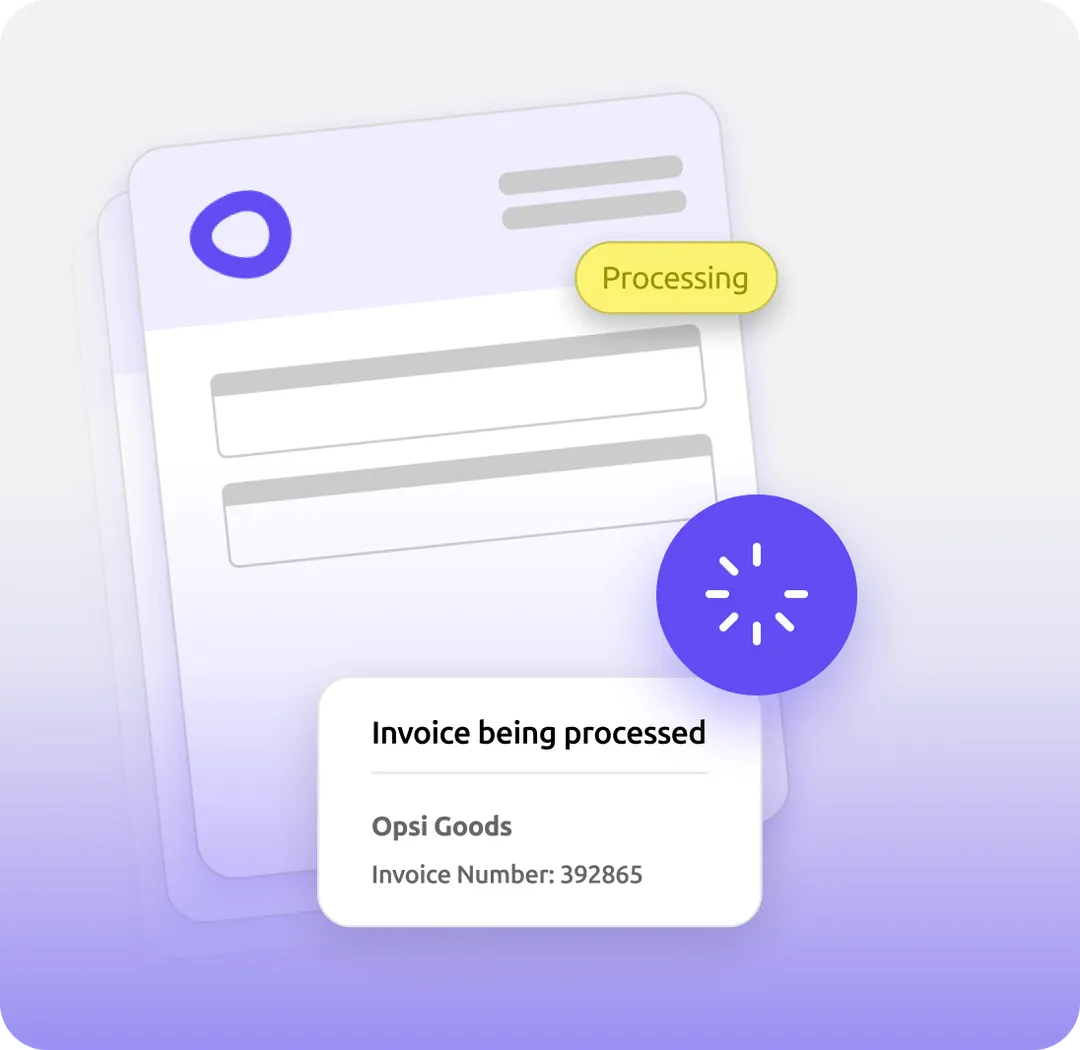

How invoices reach opsi
Give each location a straightforward way to get invoices into opsi.
Snap it at receiving. Take a clear photo from the phone already in your hand.
Forward it by email. Send vendor invoices to your location's dedicated address.
Upload a PDF. Add digital invoices directly from your computer.
Vendor feeds (EDI). Supported vendor feeds can bring invoices directly into opsi. Available feeds depend on your vendor and account. Explore vendor connections
Accuracy in the details
Our team verifies quantities, prices, and totals against the original document and resolves processing errors for you.
| Item | Qty | Total |
|---|---|---|
| Roma tomatoes | 2 cs | $49.00 |
| Avocado 48 ct | 3 cs | $126.00 |
| Yellow onions | 1 bg | $24.50 |
Processing summary
3 line items capturedSee how opsi handles your invoices.
Get a demoBeyond the invoice
Vendor matching
We link vendor codes and shorthand to your catalog, then save those matches for future deliveries.
Cost updates
After processing and review, invoices can publish automatically or wait for your approval. Published prices update recipe costs and inventory value, and invoice data becomes available for accounting export.
For every team
Keep deliveries moving without adding a stack of invoices to the end-of-day workload.
Understand what ingredient price changes mean for the dishes and drinks you serve.
Work with consistent records instead of reformatting paperwork from every vendor.
“Keeps giving time back.”
See opsi in your operation
See how opsi connects the work behind service in a demo focused on your restaurant’s priorities. No documents or advance setup required.