
Paste a recipe
Copy text from a note, email, or spreadsheet.
RESTAURANT RECIPE SOFTWARE
Keep food and cocktail recipes, sub-recipes, methods, and yields in one shared book. Scale batches for prep and give kitchen and bar teams a clear reference for service.
Included in the Operations Bundle. View plans
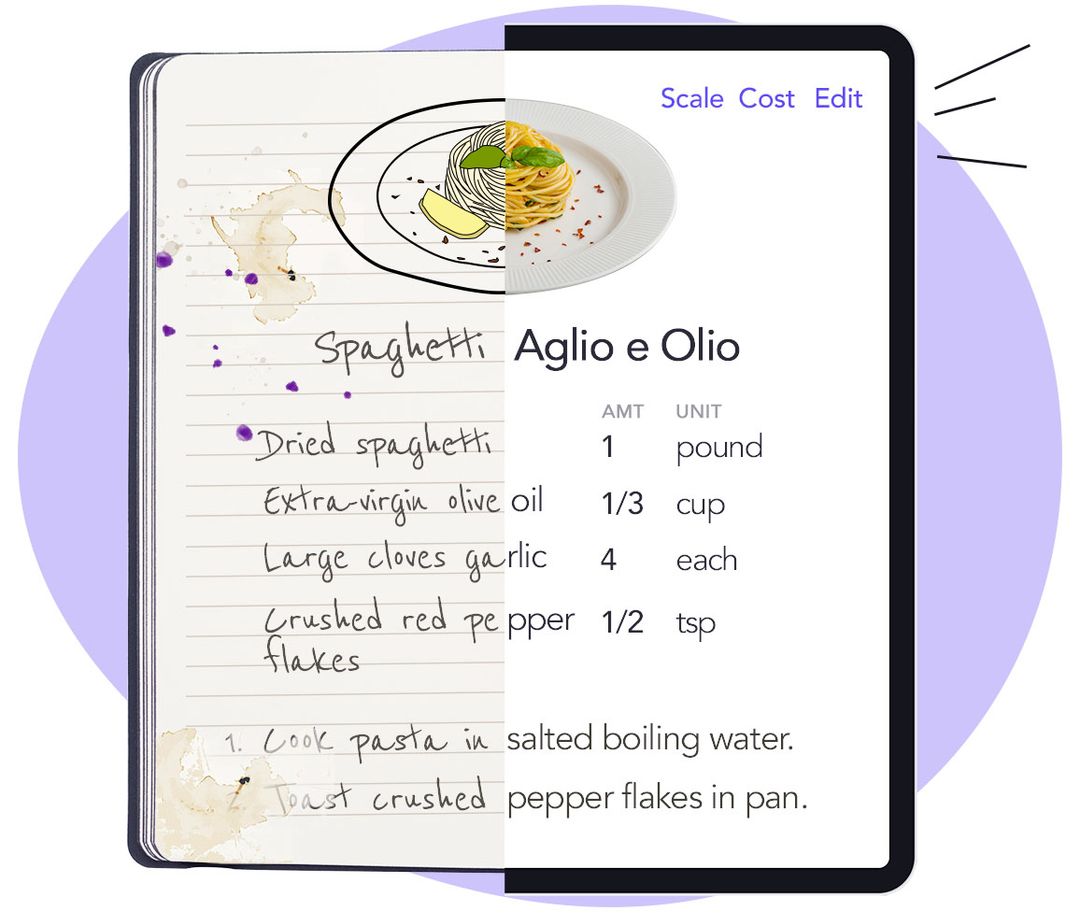
A head start on setup
Opsi extracts the ingredients and method from your source. Check the imported draft, confirm the yield, and link ingredients to your catalog before making it available to the team.
Copy text from a note, email, or spreadsheet.
Add your PDF or DOCX files.
Use a clear image of a handwritten or printed recipe.
Enter ingredients and steps directly.
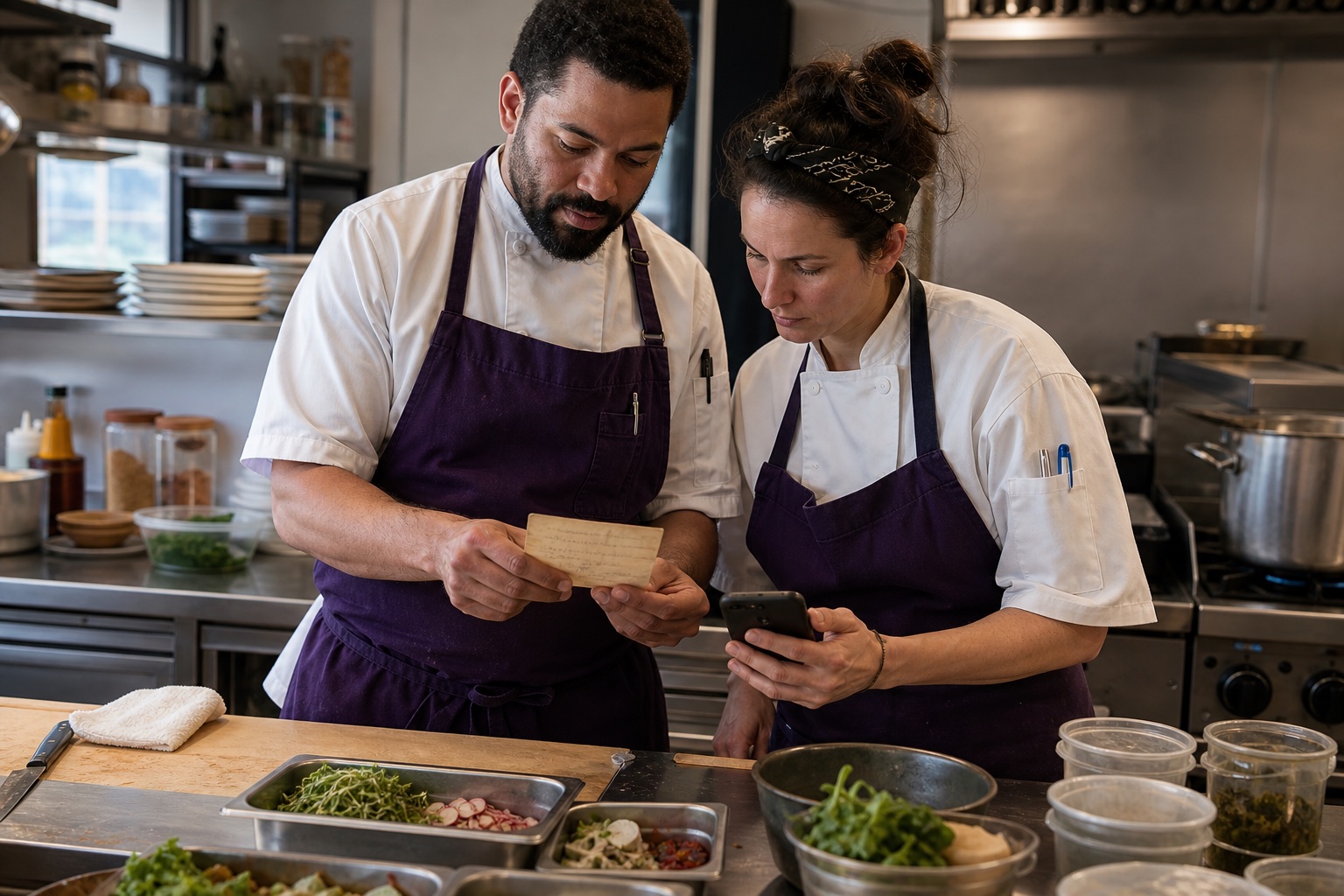
At the station
Follow the method, open a sub-recipe, or check allergen information without hunting through separate files. Keep the instructions beside the ingredients they belong to.
| Ingredient | Quantity |
|---|---|
| Ground beef | 3 lb |
| Crushed tomatoes | 4 lb |
| SoffrittoSub-recipe | 1 lb |
| Fresh herbs | 1 oz |
Take a closer look at Recipe Book.
Get a demo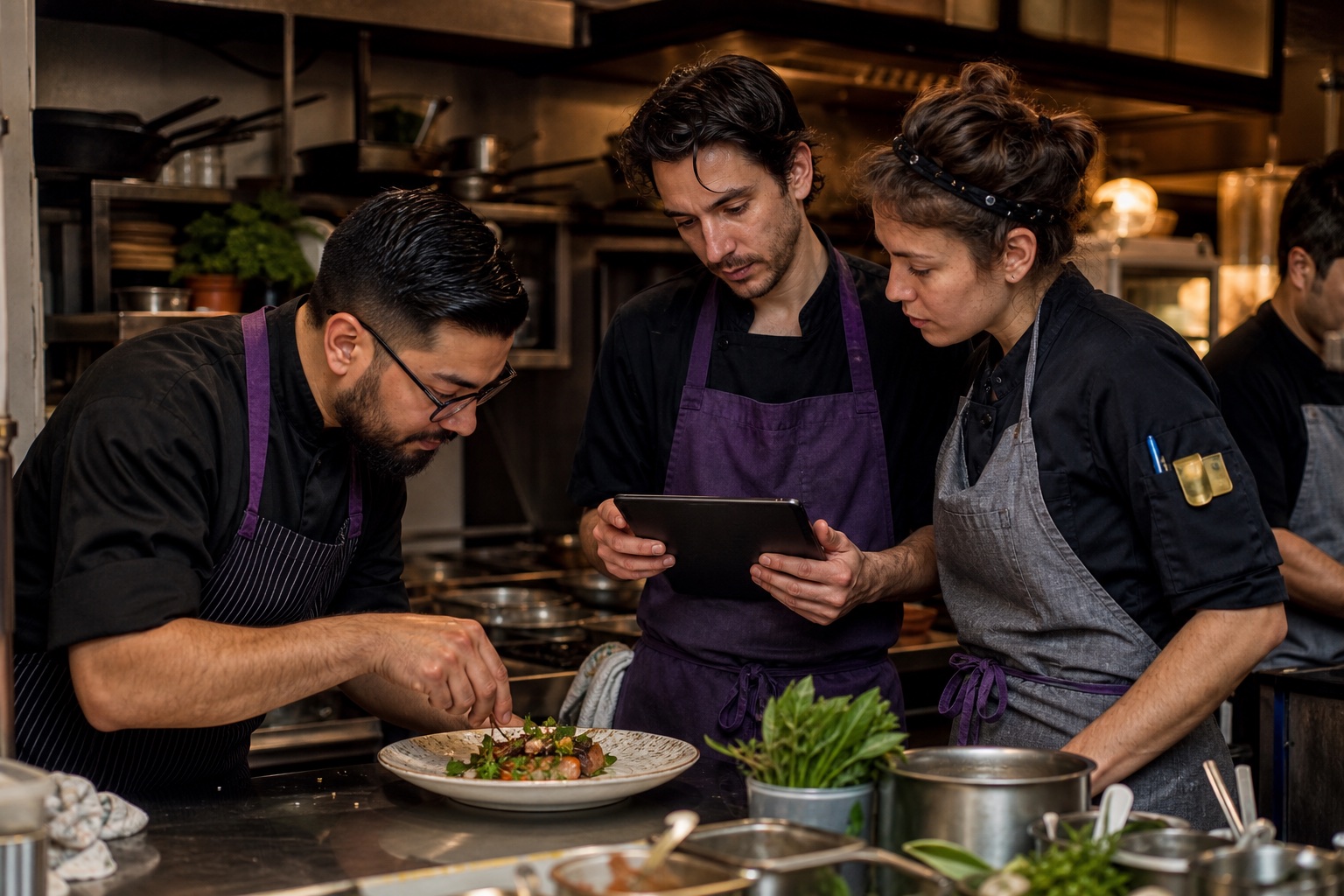
From training to service
Keep the method and service notes within reach while someone learns the station.
Use photos and video to explain details that are hard to put into words.
Set availability by concept or location, and keep shared recipes in one place.
Batch planning
Scale sauces, syrups, and other batches to a target yield and see the ingredient quantities adjust together. The scaled view leaves your base recipe unchanged.
Recipe quantities also connect shared sauces, syrups, and sub-recipes to expected demand in Predictive Prep. Explore predictive planning and availability.

“It has brought a level of consistency that frankly we couldn’t have achieved without opsi.”
Practical questions
Choose a system that supports the way your kitchen and bar teams write, scale, and teach recipes.
Choosing restaurant recipe management softwareInclude ingredient quantities, yield, method, sub-recipes, allergens, and plating references. Opsi brings those details together with photos and videos, giving cooks and bartenders a shared reference during training, prep, and service.
Choose a target yield and opsi adjusts the displayed ingredient quantities in proportion to the base recipe. A 24-portion recipe scaled to 48 portions uses twice each ingredient. The saved base recipe stays unchanged; recording completed prep is a separate step.
Yes. AI can turn a photo or document into a recipe draft with ingredients and instructions. Your team checks quantities, units, yields, and methods before saving it to the Recipe Book.
See opsi in your operation
See how opsi connects the work behind service in a demo focused on your restaurant’s priorities. No documents or advance setup required.