
Opening checks
Create due lists for the right locations, Crews, and team members.
Every morning · 6:00 AMPrep kitchen
Restaurant automation & AI
Put restaurant intelligence to work on invoice capture, recipe imports, and operational questions. Connect the results to food costs, prep plans, and recurring orders your team controls.
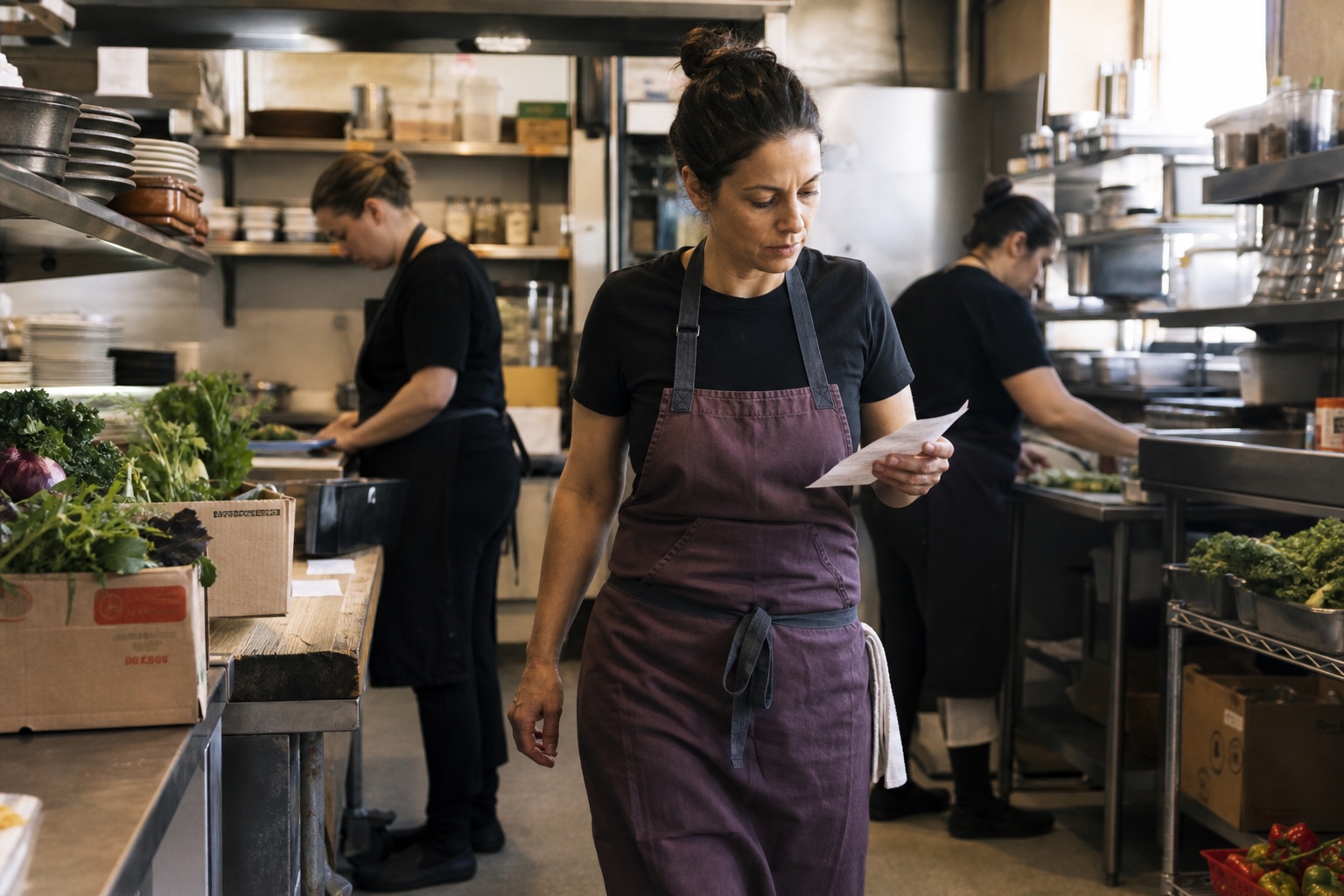
Automation & your team
| Workflow | What opsi handles | Your team’s role |
|---|---|---|
| Invoice processing | AI extracts invoice data. Our team checks quantities, prices, totals, and vendor-item matches. | Send invoices and choose whether publication requires approval. |
| Recipe imports | AI organizes recipe content into an editable draft. | Review ingredients, quantities, and instructions before saving. |
| Scheduled purchasing | Automation creates order drafts from saved schedules and templates. | Review quantities and send orders. |
| Predictive Prep | After setup, calculates supported prep targets from demand, prepared stock, and timing. Ask about availability. | Record what is prepared, adjust targets when needed, and resolve missing inputs. Daily approval is not required. |
| Ask opsi | AI answers from records and help content you can access, with sources. | Check supporting records and choose when to save, submit, or confirm changes. |
On your schedule
Opening checks, stock counts, and standing orders each follow the schedule you choose.
Create due lists for the right locations, Crews, and team members.
Keep count guides in walking order and choose when each is due.
Generate vendor drafts from saved templates, then check quantities and send when ready.
Connected costs
Published invoices update the ingredient costs used in your recipes, so a new purchase price carries into the cost of each portion.
Publish automatically after review, or require approval first.
8 oz of chicken · Latest purchase cost
From stock and sales
Connect expected demand to scheduled prep quantities, and use mapped menu sales to estimate ingredient usage.
Expected demand, usable prepared stock, and prep timing inform automatic targets in configured lists. Record what gets made and adjust when needed.
Explore Predictive Prep and availabilitySales and recipe quantities provide an estimate. Compare it with actual usage between two completed inventory counts.
See opsi in your operation
See how opsi connects the work behind service in a demo focused on your restaurant’s priorities. No documents or advance setup required.