
RESTAURANT PREP LISTS & CHECKLISTS
Prep lists for every shift.
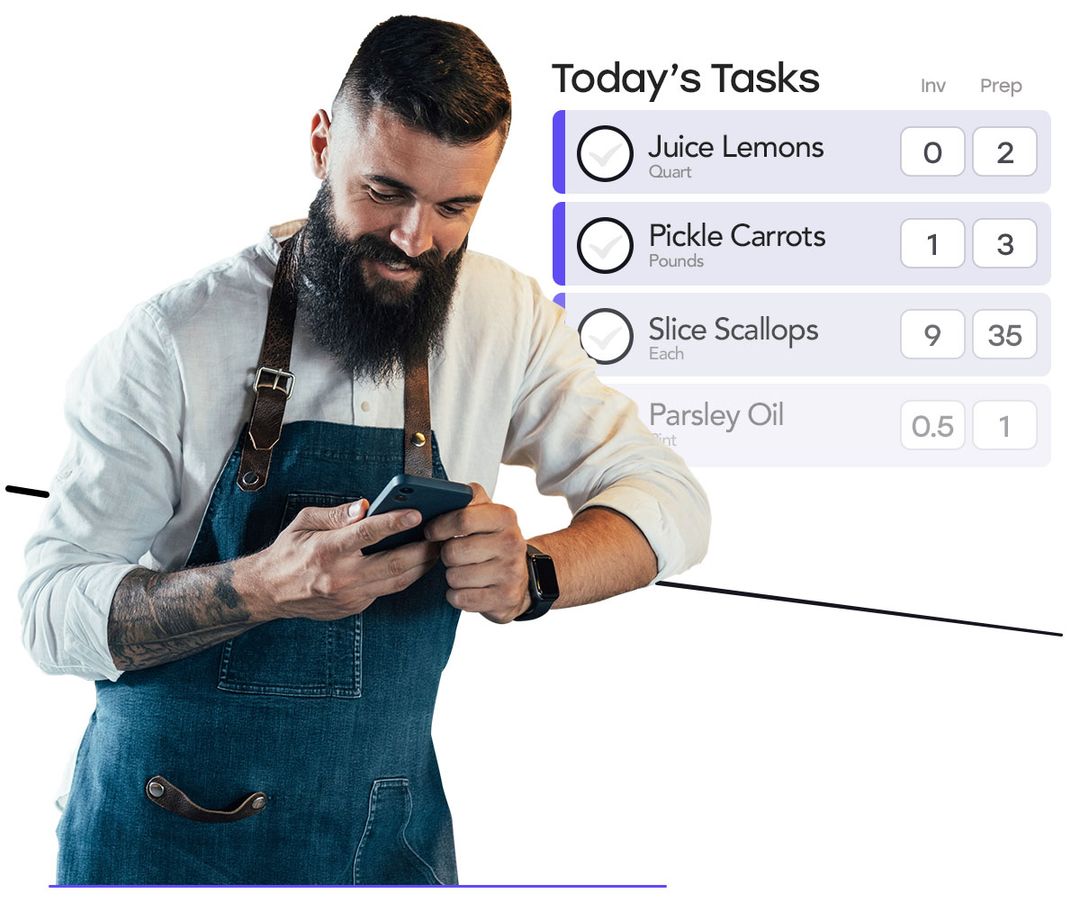
Keep opening and closing checklists, kitchen and bar tasks, and recipe instructions in one app. Assign work to Crews or individual team members, plan to your pars, and explore demand-based quantities with Predictive Prep.
Available in the Task Bundle. Operations is not required. View plans
Predictive Prep
Prep for the demand ahead.
Opsi uses expected demand, usable prepared stock, and your prep schedule to calculate how much to make. Account for shelf life and upcoming prep opportunities, with quantities ready in your scheduled lists.
Scheduled prep Kitchen & bar
Caesar dressing
- Already prepared
- 3qt
- Make
- 5qt
- Made
- Not recorded
Pickled onions
- Already prepared
- 2qt
- Make
- 4qt
- Made
- Not recorded
Simple syrup
- Already prepared
- 2qt
- Make
- 1qt
- Made
- Not recorded
Ready by 11:00 AM
Plan the components you use.
Set quantities for sauces, sub-recipes, and ingredient prep across the dishes and drinks that use them.
Open the list. Start the work.
After setup, supported targets appear automatically. Your team records what gets made; managers can adjust the plan without approving every day.
Carry usable batches forward.
Recorded recipe batches inform later prep needs after usage and shelf life are considered. Item-only prep records work without changing inventory.
Predictive Prep requires Tasks, Inventory, and location setup. Recipe-based production also requires Recipes. Ordinary Tasks remains available on its own.
Learn more about Predictive PrepPrefer to prep to par? Ordinary prep lists still use your par and recorded on-hand quantity. Confirm stock, adjust your target, and record what you make. Predictive Prep is optional.
Flexible task responses
Capture the details as you go.
Use checkboxes, readings, and notes, with photos or signatures required where needed. Add reference images and training videos so the instructions are right beside the task.
Assignments and schedules
Make responsibilities clear.
Schedule recurring lists and assign them to team members or Crews. Delegate individual tasks as needed, with live updates that help everyone stay in sync.
SATURDAY · MAIN STREETThe day’s assignments
See how opsi connects your shift’s work.
Get a demoCompletion and follow-up
See what’s done. Follow up on the rest.
Review completion by location and date, find past readings and notes, and assign unresolved issues before handing over to the next shift.
ROUTINE COMPLETIONThis week
95% routines complete 38 of 40
Opening routinesComplete 12 / 12
Temperature logsComplete 18 / 18
Closing lists2 still open 8 / 10
DIGITAL LOG BOOKToday at Main Street 24 entries
10:31Walk-in · 38.2°FTemperature logMaria
11:04Compressor noteMaintenanceDevon
11:18Expo line check12 of 12 completeJames

“Opsi has helped all my kitchens achieve streamlined organization through the prep lists, recipe management, and the most important tool, communication.”
Practical questions
Plan the shift. Keep the record.
A useful prep list tells kitchen and bar teams what to prepare and leaves a clear handoff for the next shift.
Building restaurant checklists that workHow does opsi calculate a prep target?
Ordinary prep lists use your par minus recorded on-hand stock, with a target you can adjust. Predictive Prep uses expected demand, usable prepared stock, shelf life, and upcoming prep opportunities to calculate quantities in scheduled lists. With valid setup and supporting data, predictive targets appear automatically in scheduled lists. Your team records what gets made; managers can adjust targets without approving every day.
What do I need to use Predictive Prep?
Predictive Prep requires Tasks, Inventory, and location setup. Recipe-based production also requires Recipes. Ordinary Tasks remains available on its own. Setup includes the components to plan, their demand sources, units, shelf life, and prep timing. Purchasing is not required. Ask us about Predictive Prep availability and packaging.
Does recording prep update inventory?
Recording production for a tracked recipe adds the prepared output and deducts recipe-calculated ingredients. Usable recipe batches can inform later prep targets after consumption and shelf life are considered. Item-only preparation records work without changing inventory. If stock or demand inputs are missing, opsi flags what needs attention rather than treating the missing information as zero.
Can I use the app for opening and closing checklists?
Yes. Prep lists handle recipe quantities, including beverage prep, while task lists support opening and closing checks, cleaning, and other shift work in the kitchen and bar. Tasks can capture details such as temperatures, photos, and signatures alongside completion.
How do Crews and team assignments work?
Assign work to a Crew or an individual team member, organize it by station, and set a recurring schedule where needed. Completion records help managers see what is done and follow up on outstanding work.