
TASKSaturday close
Team Files
Your team’s knowledge. All in one place.
Keep restaurant SOPs, training videos, and reference files beside the work. Share with Crews or individual team members, and find instructions from your phone, tablet, or desktop.
Included in Operations. Also available in a custom package alongside Tasks. View plans
Files you can access
PDF Allergy response policySafety · All locations
MP4 Fryer deep-clean guideEquipment · Closing Crew
JPG Bolognese plating guideRecipes · Full-service concept
PDF Fryer oil specificationPurchasing · Shared with Alex
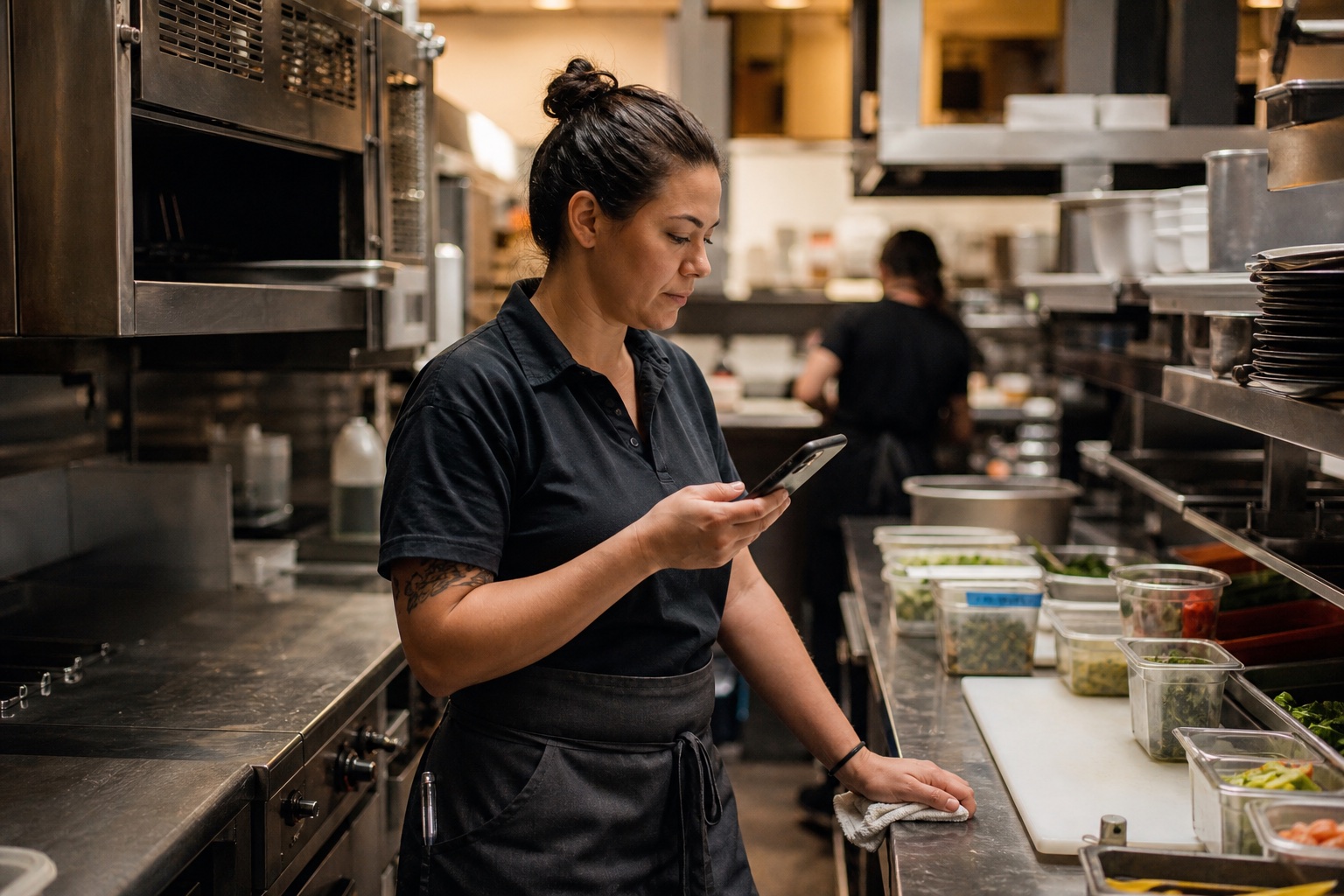
During the shift
Open it on the floor.
Check a procedure or pull up a reference photo right where the work happens.
- Preview in opsi
- View PDFs, images, and videos without leaving the app.
- Download the original
- Save a copy, or open other file formats in their usual apps.
File sharing
Share with your team.
Share by organization, concept, location, Crew, or individual team member. Crews can organize file access as well as task assignments.
SHARE A FILEChoose an audience
Bring your team’s knowledge together.
Get a demoConnected references
Put instructions beside the work.
Link a library file to recipes, items, tasks, or checklists. Reuse the same upload wherever it’s relevant.
RECIPE24 portions
Bolognese
ITEMIngredient
Fryer oil
Search and shortcuts
Start with a name. Or a question.
Search names and descriptions, filter by tag, or ask opsi to locate a guide you have permission to access.
- Star your regulars
- Keep frequently used files in your Starred view.
- Retire outdated files
- Archive what you no longer use. Restore it from Trash if needed.
Ask opsi
Where is the fryer deep-clean guide?
opsi
You’ll find it in the Equipment folder.
MP4Fryer deep-clean guideTeam Files · Video